
 Download
 Browser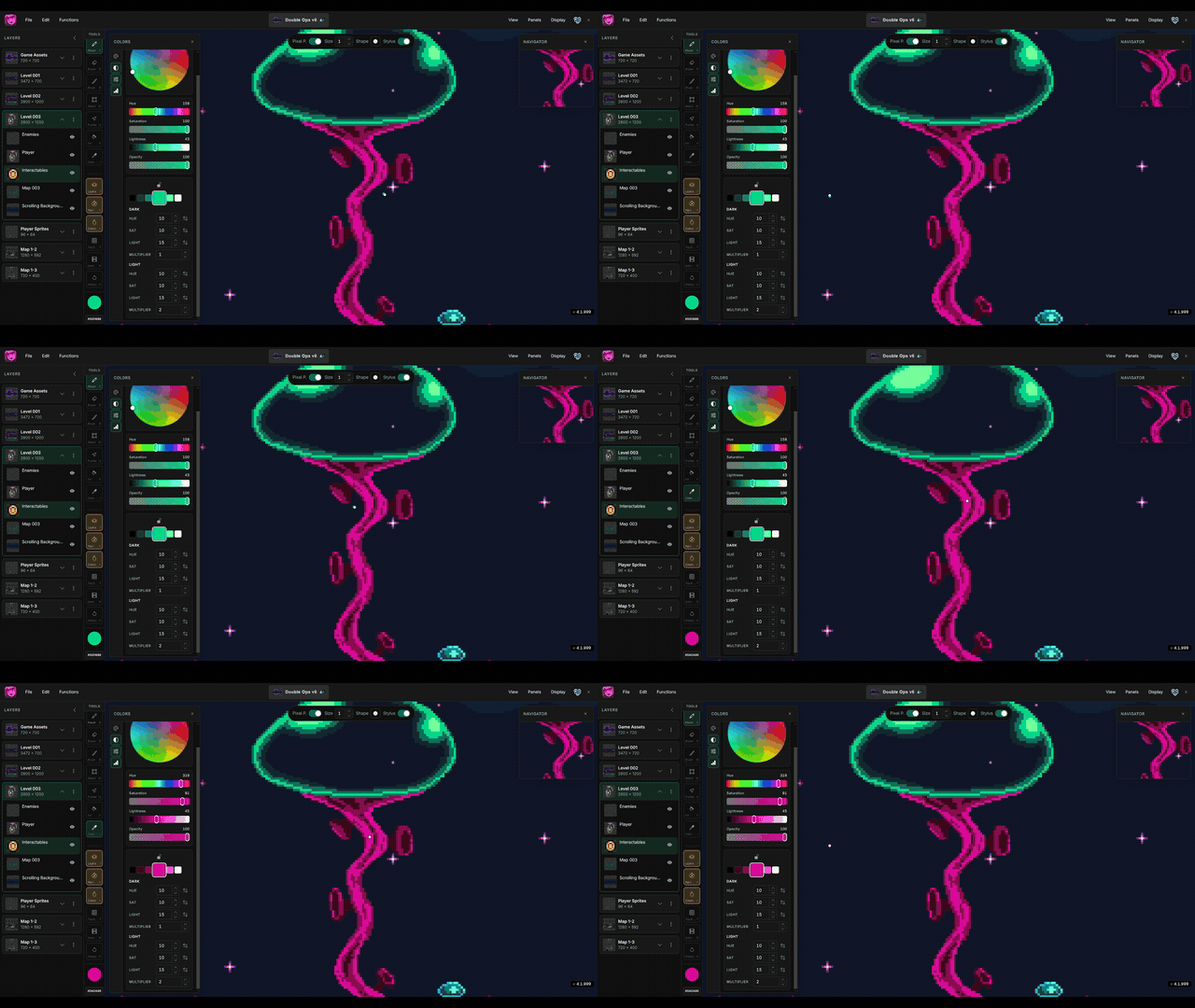
Gray shadows flatten pixel art. Hue shifting moves shadow and highlight colors slightly around the wheel so ramps stay rich — the same trick classic games used when they could not afford muddy midtones.
The clip in the header shows Hue Shifter building an on-hue ramp and picking variants while you paint.
What you'll learn
How to build on-hue light and dark ramps in Manabit with the Hue Shifter, and when to lock an anchor color while you paint.
Why hue shift instead of darken
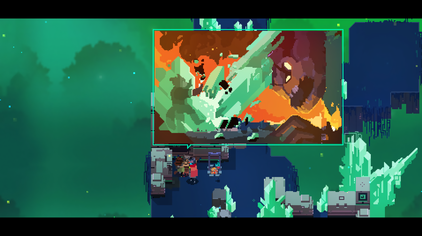
Dropping lightness alone pulls colors toward gray. Real materials shift: warm skin goes cooler in shadow, grass tips toward blue-green, metal highlights pick up the light source. A small hue change plus sat/light steps reads as form, not dirt.
Open Hue Shifter
- Press
O(or Panels → Colors). - Pick your base color on the Palette, Sliders, or Wheel tab.
- Switch to the Hue Shift tab.
The center swatch is your base. Left swatches trend darker; right swatches trend lighter. Click any swatch to paint with it.
Lock the anchor
Click the lock control to pin the center color. Keep painting with darker or lighter variants while the strip stays rooted on that hue. Unlock when you want the strip to follow a new active color.
This is ideal for a single material pass — lock skin midtone, paint shadow and highlight from the strip, then unlock and move to cloth.
Tune dark and light sides
Each side has Hue, Sat, Light, and Multiplier. Start small:
- Raise Light on the dark side for deeper shade without crushing blacks.
- Nudge Hue toward cool for outdoor shadows, or warm for firelight.
- Use Multiplier when you need a longer ramp without huge per-step values.
- Flip a reverse toggle if the hue is walking the wrong way around the wheel.
A quick practice pass
- Draw a simple sphere or cube on a blank stage.
- Lock a midtone in Hue Shifter.
- Paint the shadow side from a darker strip swatch, then a highlight from a lighter one.
- Compare against a version that only lowered lightness — the hue-shifted version should feel cleaner.
Related reading
- Hue Shifter — feature reference
- Colors panel — Palette, Sliders, Wheel, and Hue Shift tabs
- 3 rules for building retro palettes — limit colors and keep tiles cohesive
