
 Download
 Browser
Overview
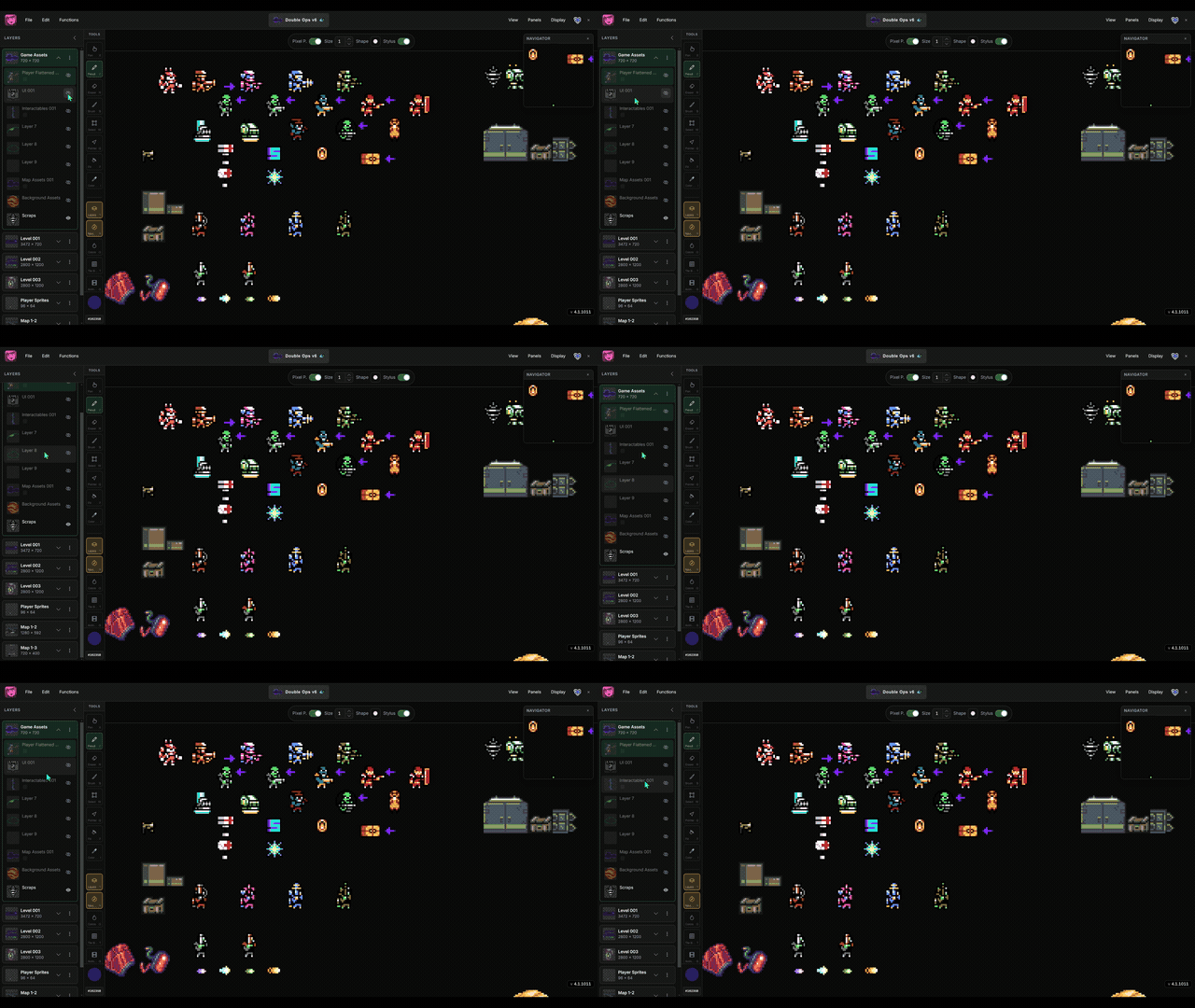
The clip in the header shows the layers panel in use — adding, reordering, and organizing layers while you draw.
Add layers
- Use the layer menu or stage menu to add a layer above or below the current one.
- Press
Shift+Nfor a quick new layer shortcut.
Organize
- Drag layers to reorder them.
- Click the eye icon to hide or show a layer.
- Rename a layer with the pointer tool — click the name again to edit inline.
Stages
Projects can contain multiple stages. Press [ and ] to cycle between them. Use ; and ' to cycle the active layer. See Work With Stages for more.
