
 Download
 Browser
Overview
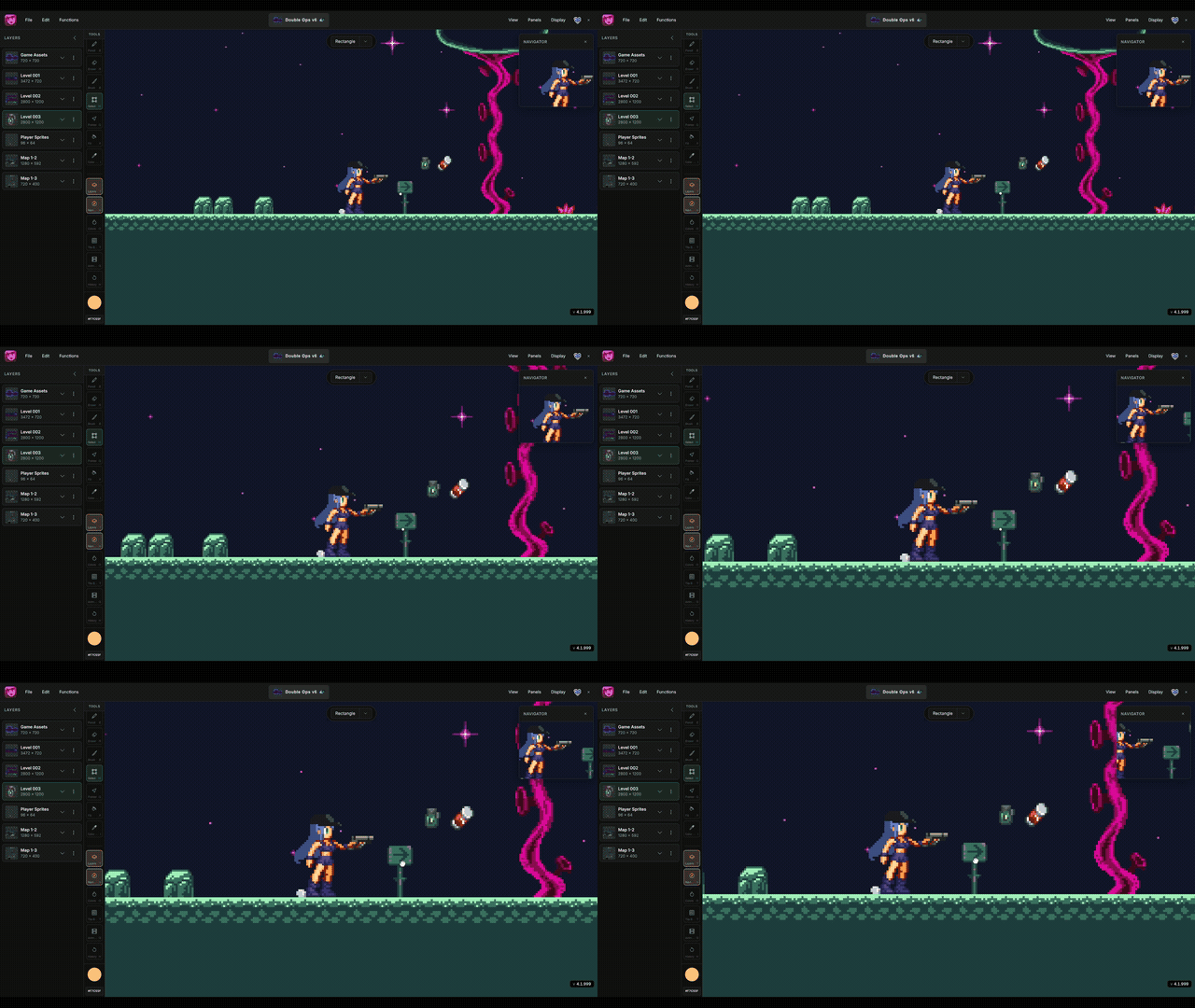
The clip in the header shows canvas navigation — panning and zooming the viewport. For the full pan and zoom reference, see Navigate the Canvas.
- Select Pan from the tools panel.
- Hold
Spaceand drag to pan without switching tools. - Hold the middle mouse button and drag.
