
 Download
 Browser
Overview
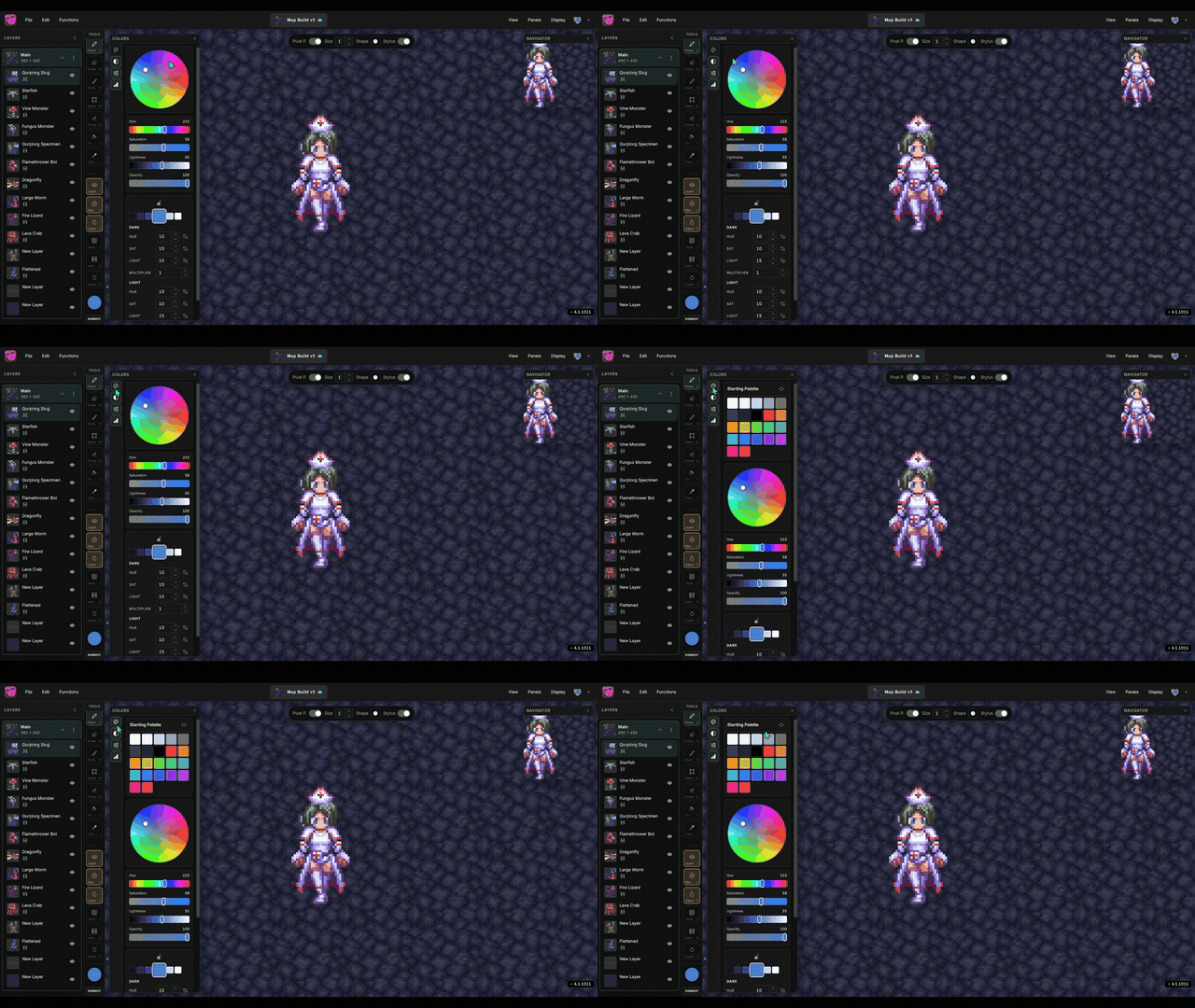
The clip in the header shows the palettes panel — opening a palette and picking swatches as your active drawing color.
- Open the palettes panel from the Panels menu or press
Shift+C. - Manabit ships with starter palettes you can apply to a project.
- Click a swatch to set it as the active drawing color.
Keeping a focused palette helps limit color count and maintain a cohesive retro look.
