
 Download
 Browser
Overview
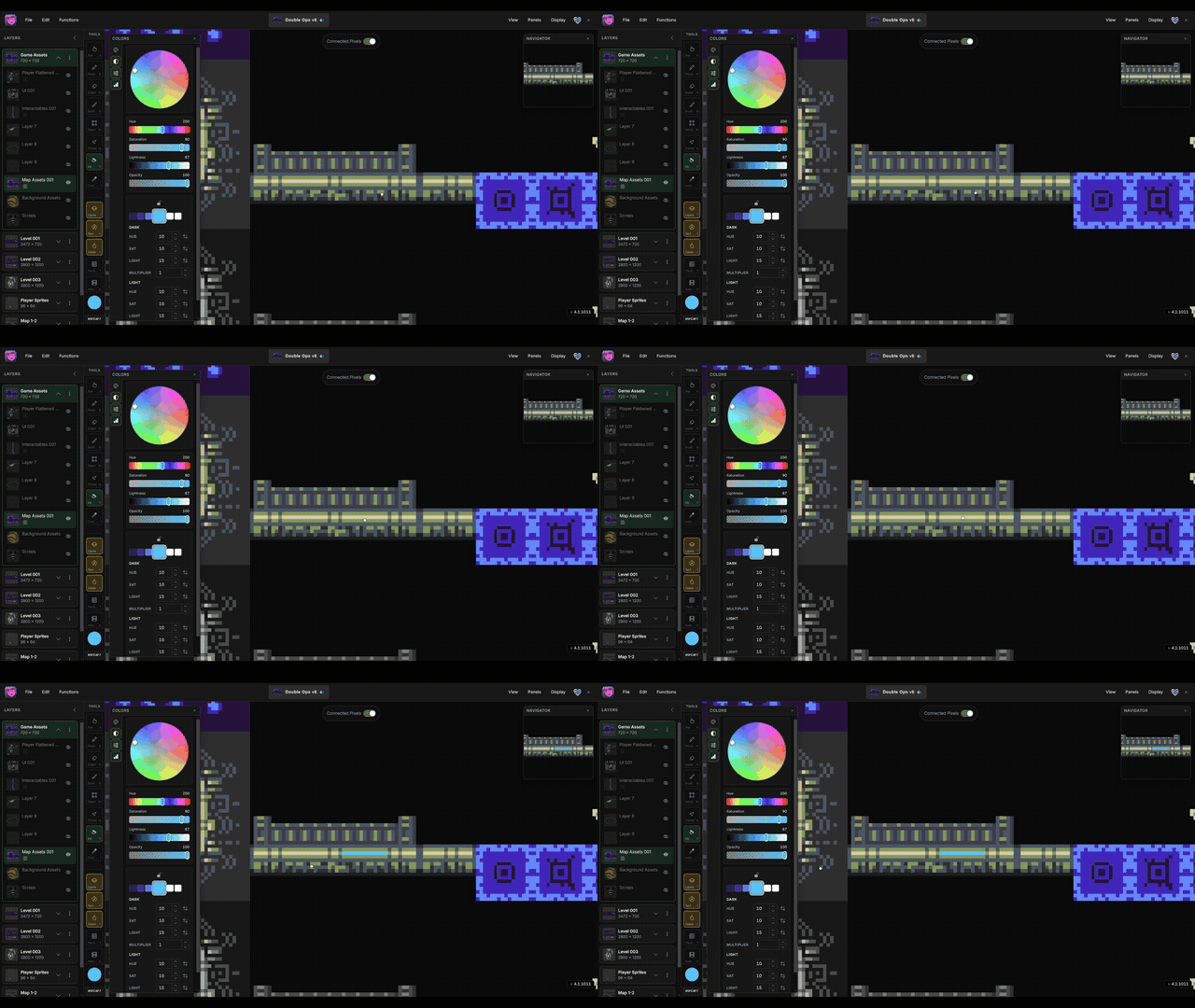
The clip in the header shows fill in action — selecting a tile and painting a block of the canvas in one drag.
- Select a tile in Map Builder.
- Activate the Brush tool (
B) or the Fill tool (F). - Hold
Ctrland drag a rectangle on the canvas (or use the fill tool’s rectangle drag).
Manabit fills the selected grid region with the active tile — useful for floors, walls, and background blocks in tile-based art. See also Brush and Map Builder.
