
 Download
 Browser
Overview
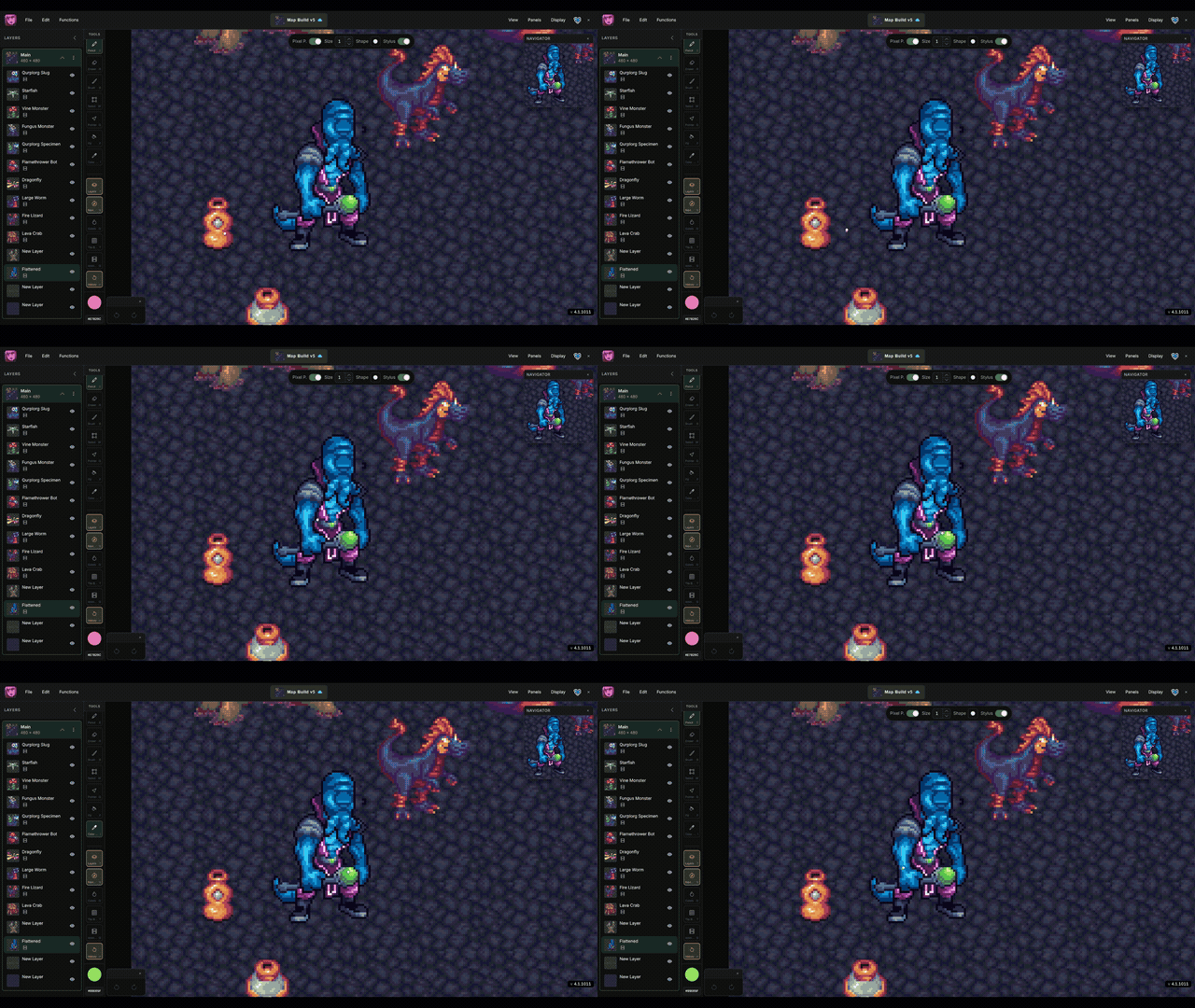
The clip in the header shows erasing on the canvas, then stepping through undo and redo in the history panel.
- Open it from the Panels menu when you need to review past edits.
- Click a history entry to restore the project to that point.
- Use
Ctrl/⌘+ZandCtrl/⌘+Shift+Zfor quick undo and redo from the keyboard.
History is session-based — save your project to preserve work beyond the current undo stack.
