
 Download
 Browser
Overview
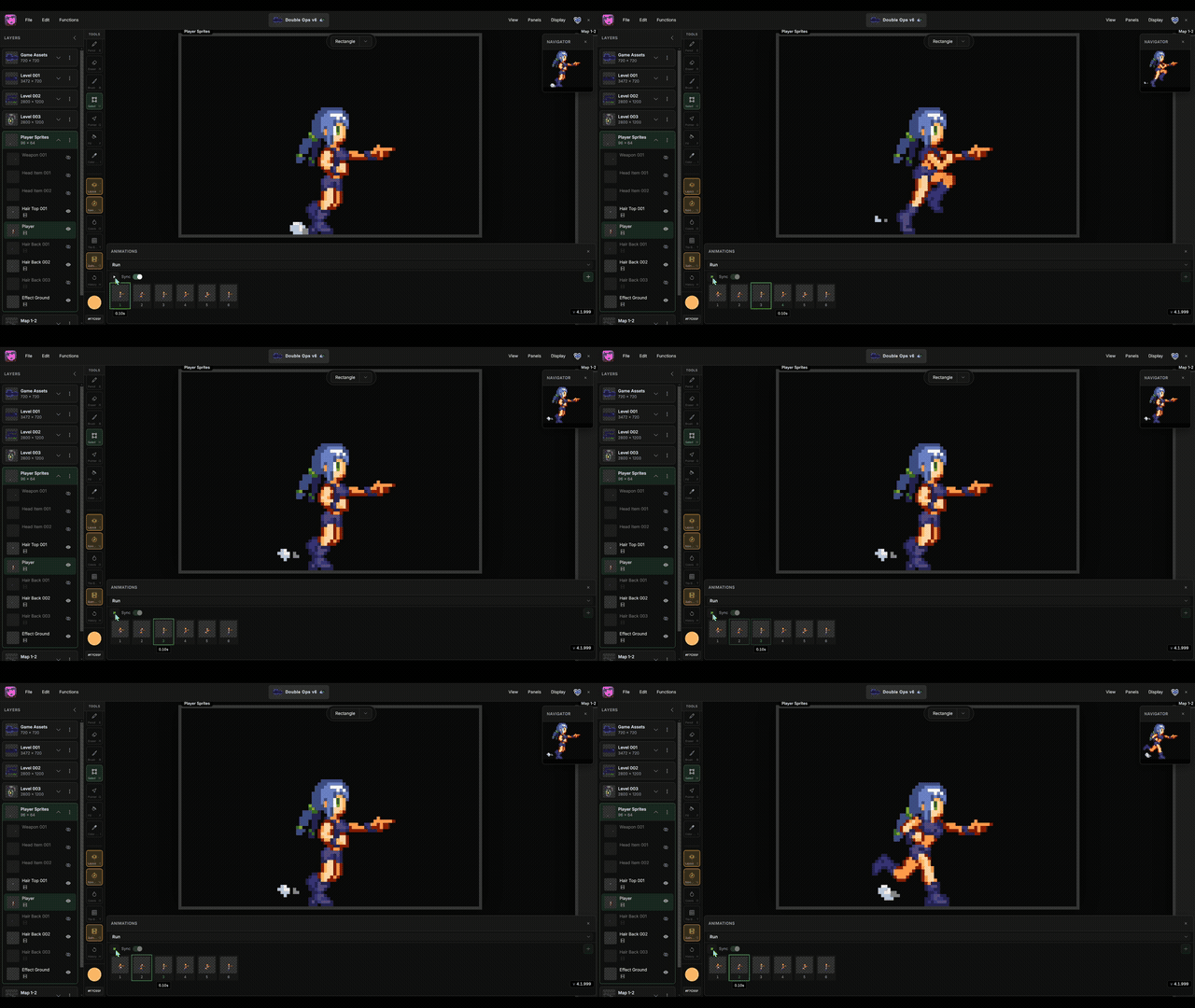
The clip in the header shows synced animation preview across layers. For the full sync and export workflow, see the Animations feature guide.
Frames
- Click + on a layer to add a frame (duplicates the current frame).
- Drag frames to reorder them.
- Set per-frame duration in milliseconds (default 100 ms).
Preview
Press the playback button on the layer to preview the animation. Enable Sync to keep frame indices aligned across layers on the same stage. Star an animation on a layer to choose which clip that layer contributes when Sync is on.
Export
From the export dialog, choose GIF for animated output or Animation strip for a PNG with one row per animation and one column per frame.
