
 Download
 Browser
Overview
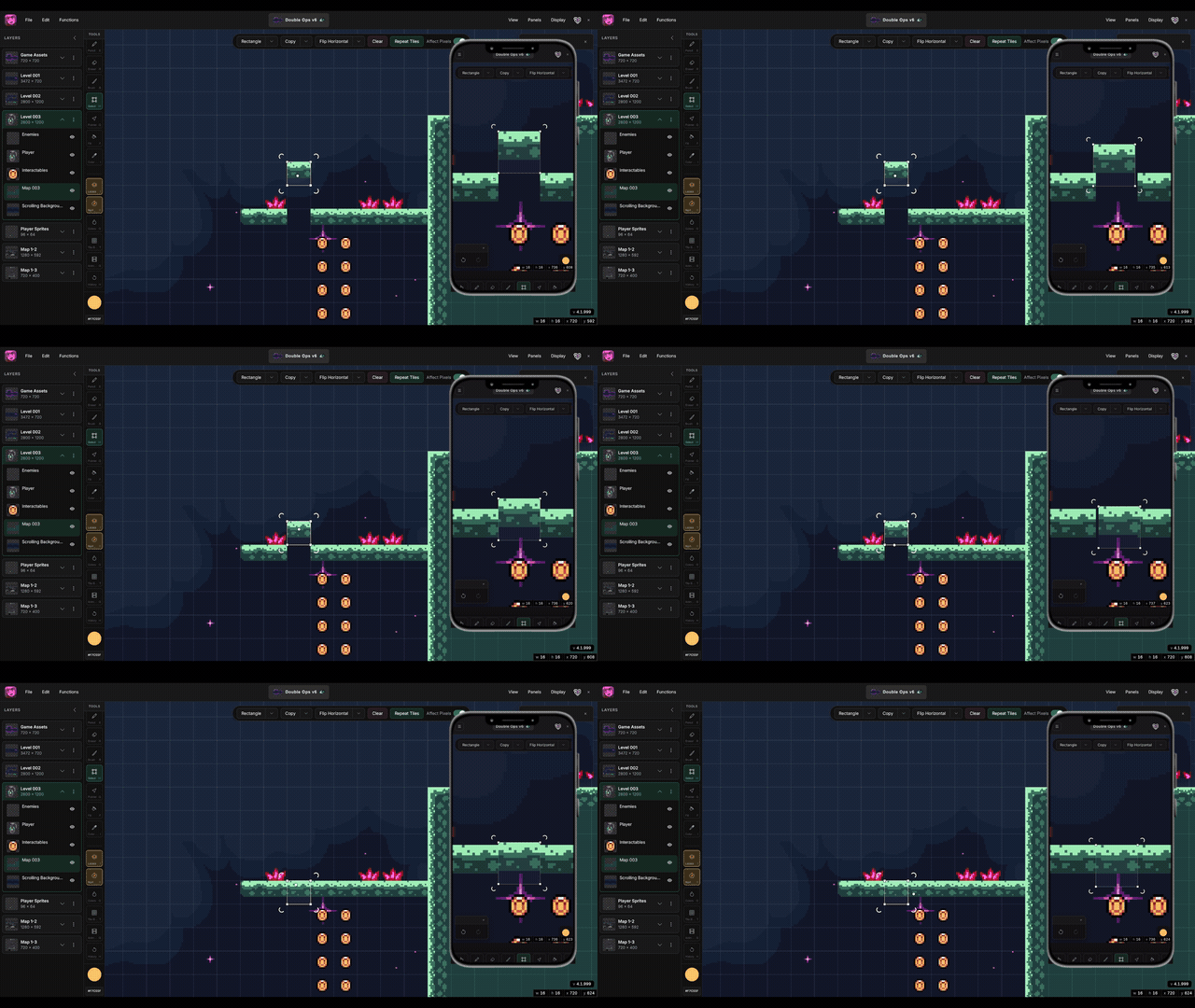
The clip in the header shows multi-device sync — sign in once, then open the same project on another browser or device.
Where to sign in
On the startup screen or inside a project, click the account icon in the header (person icon when signed out).
Sign in with Google
- Choose Sign in with Google and complete the Google prompt.
- You return to Manabit automatically when sign-in succeeds.
Sign in with email
- Choose Sign in with email, enter your address, and click Send code.
- Check your inbox for a 6-digit code, enter it in the verification dialog, and click Verify.
After sign-in
- Your account email appears in the account menu.
- Cloud projects show on the startup screen alongside recent local projects.
- Use Sign out from the same menu when you are done on a shared computer.
