
 Download
 Browser
Overview
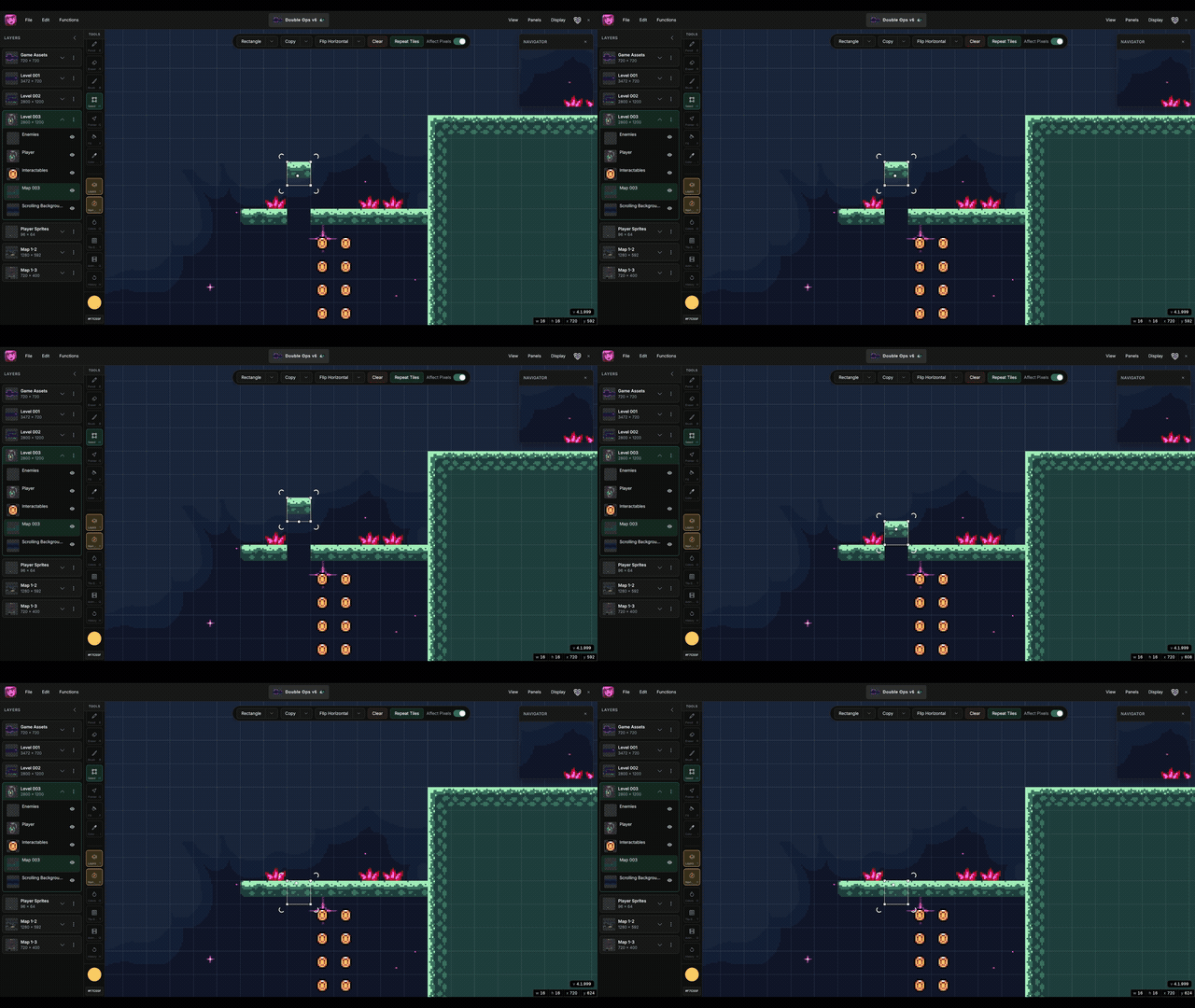
The clip in the header shows grid snapping in action — drawing and placing art that locks to the active grid.
Display grid
- Toggle the pixel grid from the Display menu.
- Enable the checker background to see transparent pixels clearly.
Layer grid size
Each layer has a grid size used by the brush and fill tools. Set it in the layers panel when stamping tiles at 8×8, 16×16, or other resolutions.
Grid-snapped drawing
The brush tool stamps tiles on the active layer grid. Hold Ctrl and drag with the brush to fill rectangular grid regions in one action.
