
 Download
 Browser
Overview
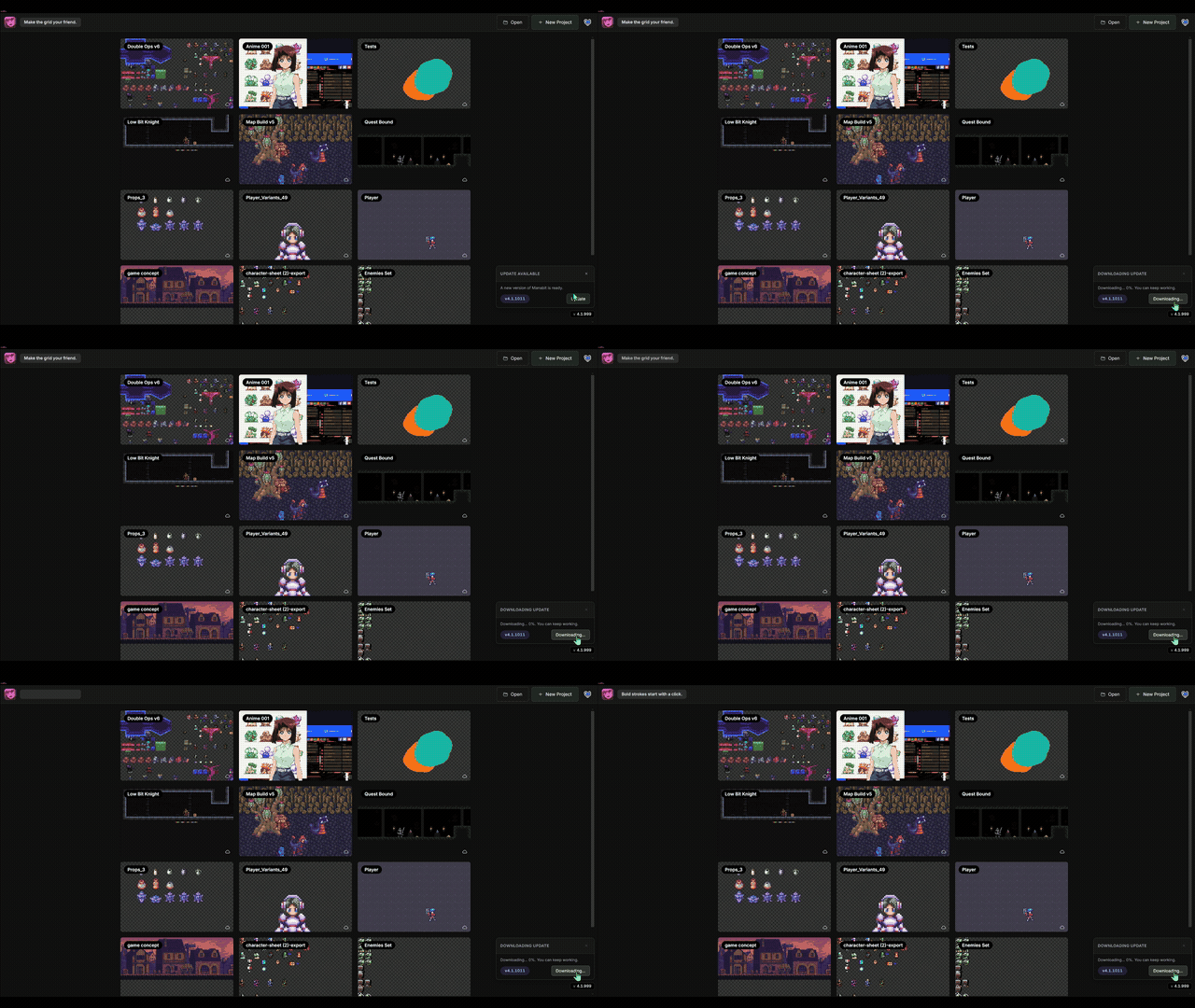
The clip in the header shows the desktop updater — when a new build is available, the update window appears in the bottom-right corner of the app.
Run in the browser
Run in Browser
No install — open the full editor at manabit.app/app
- Works on desktop and tablet browsers — no account required for local projects.
- On supported browsers you can add Manabit to your home screen for a standalone app-like experience.
Windows desktop app
Get the Windows installer from one of these storefronts (same list as the download page):

itch.io
Windows installer

Gumroad
Windows installer

Steam
Windows · Steam library & updates
- Run
Manabit-Setup.exeand launch Manabit from the Start menu or desktop shortcut. - The desktop app uses the same editor as the browser and can check for updates after launch.
Auto-updates
On Windows desktop, Manabit can check for new versions after launch. When an update is ready, a small updater window appears in the bottom-right of the app — confirm there to download and install without hunting through menus.
SmartScreen warnings
Windows may show “Windows protected your PC” or an unrecognized-app warning for new installers. If you downloaded from an official storefront linked above, choose More info, then Run anyway.
Which should you use?
Use the browser to try Manabit instantly on any device. Use the desktop app if you want a dedicated window and prefer installing once on your PC.
