
 Download
 Browser
Overview
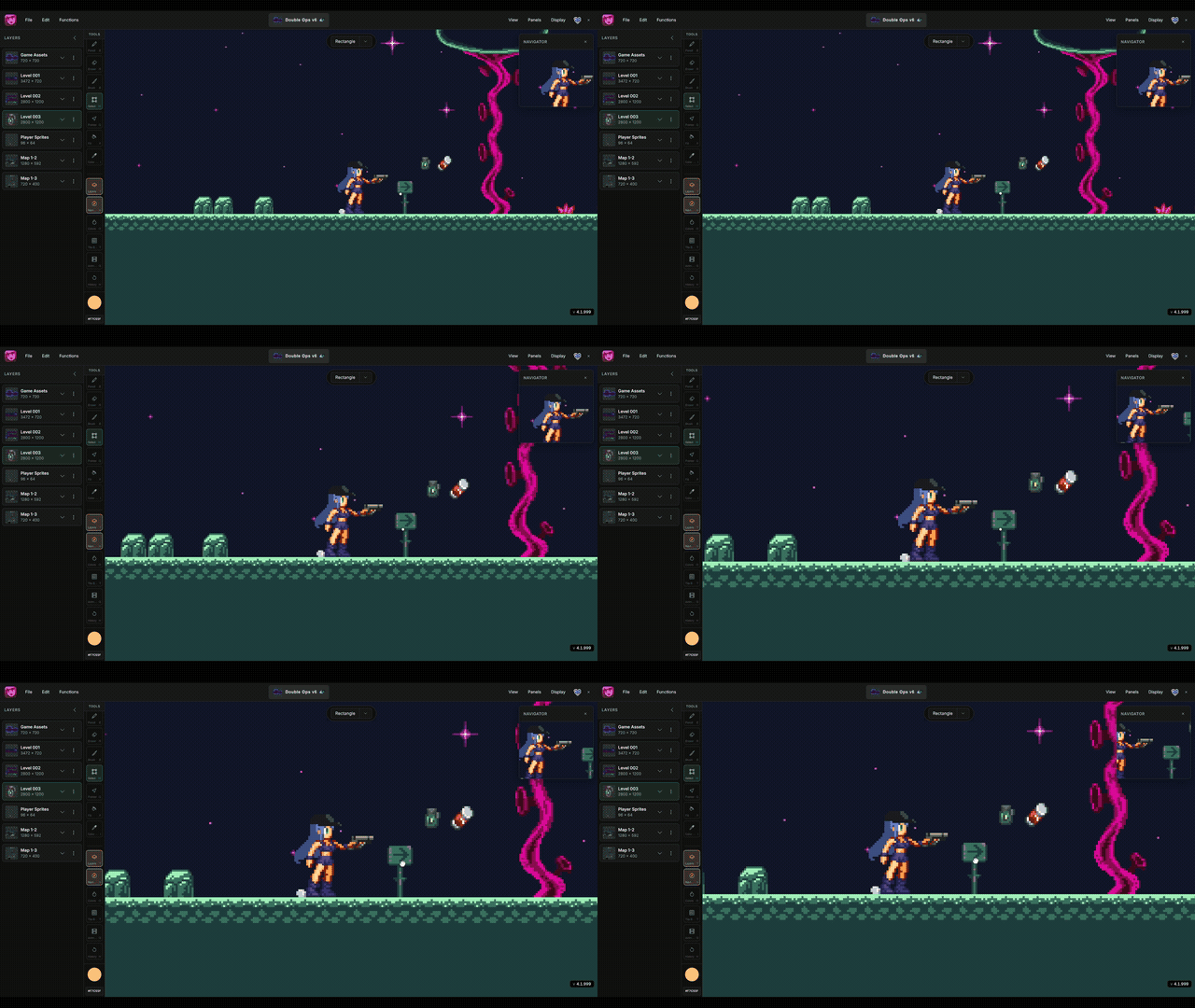
The clip in the header shows canvas navigation — panning and zooming the viewport around your artwork.
Pan
- Select the Pan tool from the tools panel.
- Hold
Spaceand drag to pan without switching tools. - Hold the middle mouse button and drag.
Zoom
- Scroll the mouse wheel to zoom in and out.
- Pinch on a trackpad or touch screen.
- Hold
Ctrlwhile scrolling for faster zoom steps.
Fit to view
Press . (period) to frame the entire stage in the viewport. Double-click the navigator preview for the same result.
