
 Download
 Browser
Overview
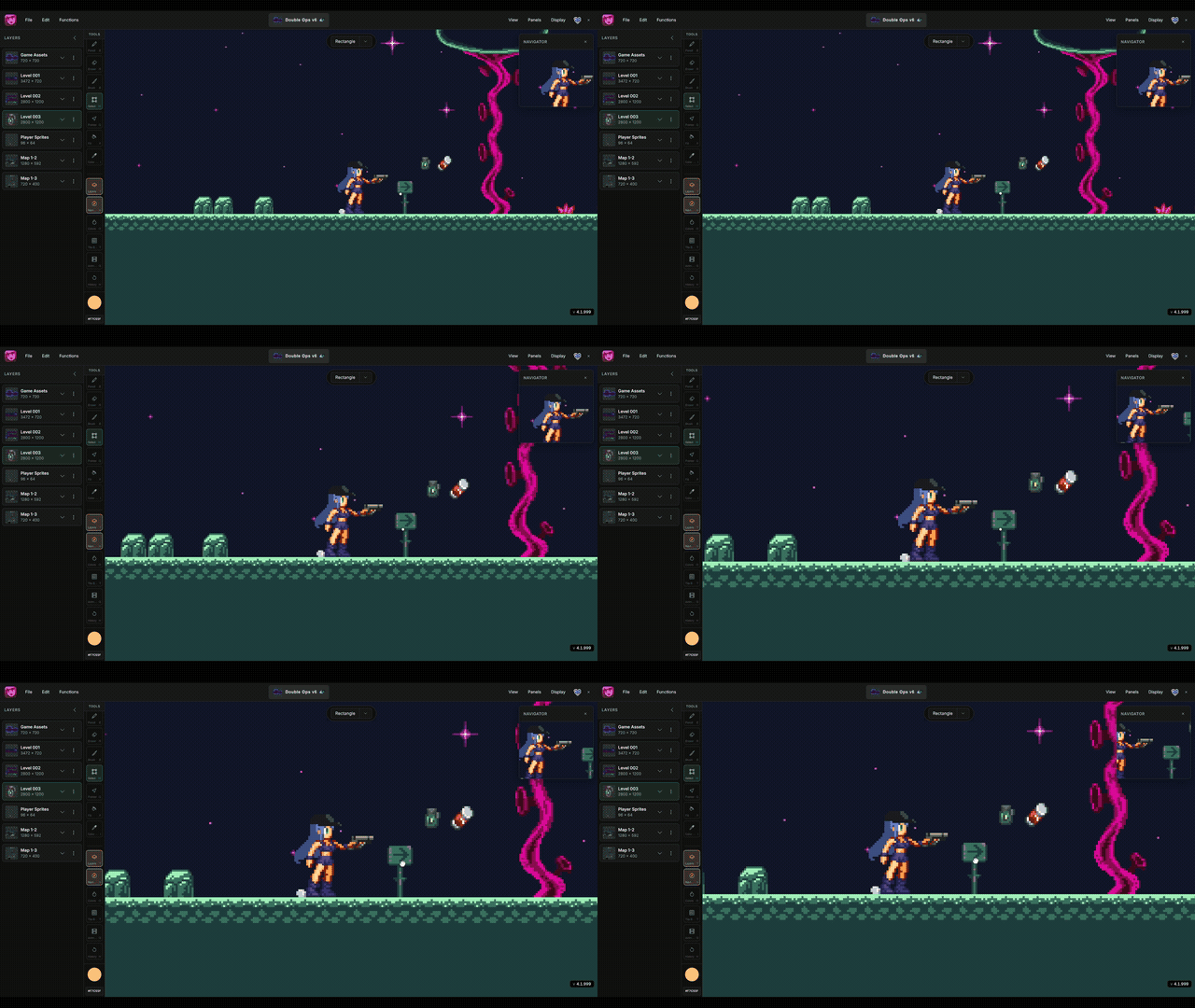
The clip in the header shows canvas navigation — pan, zoom, and fit. Pair that with the navigator mini-map on large stages. See also Navigate the Canvas.
- Open it from the Panels menu or press
N. - Click or drag in the preview to jump to another area of the canvas.
- Double-click the preview to fit the entire stage in the viewport.
Use the navigator on large stages instead of panning edge to edge across the canvas.
